 canario
The terminal that
thinks like a browser
Spaces, splits, a command bar, live tab previews and a summonable quick terminal. A browser-grade workflow for your shell, on Rio's engine.
beta · macOS 14+ · Apple silicon · free & open source
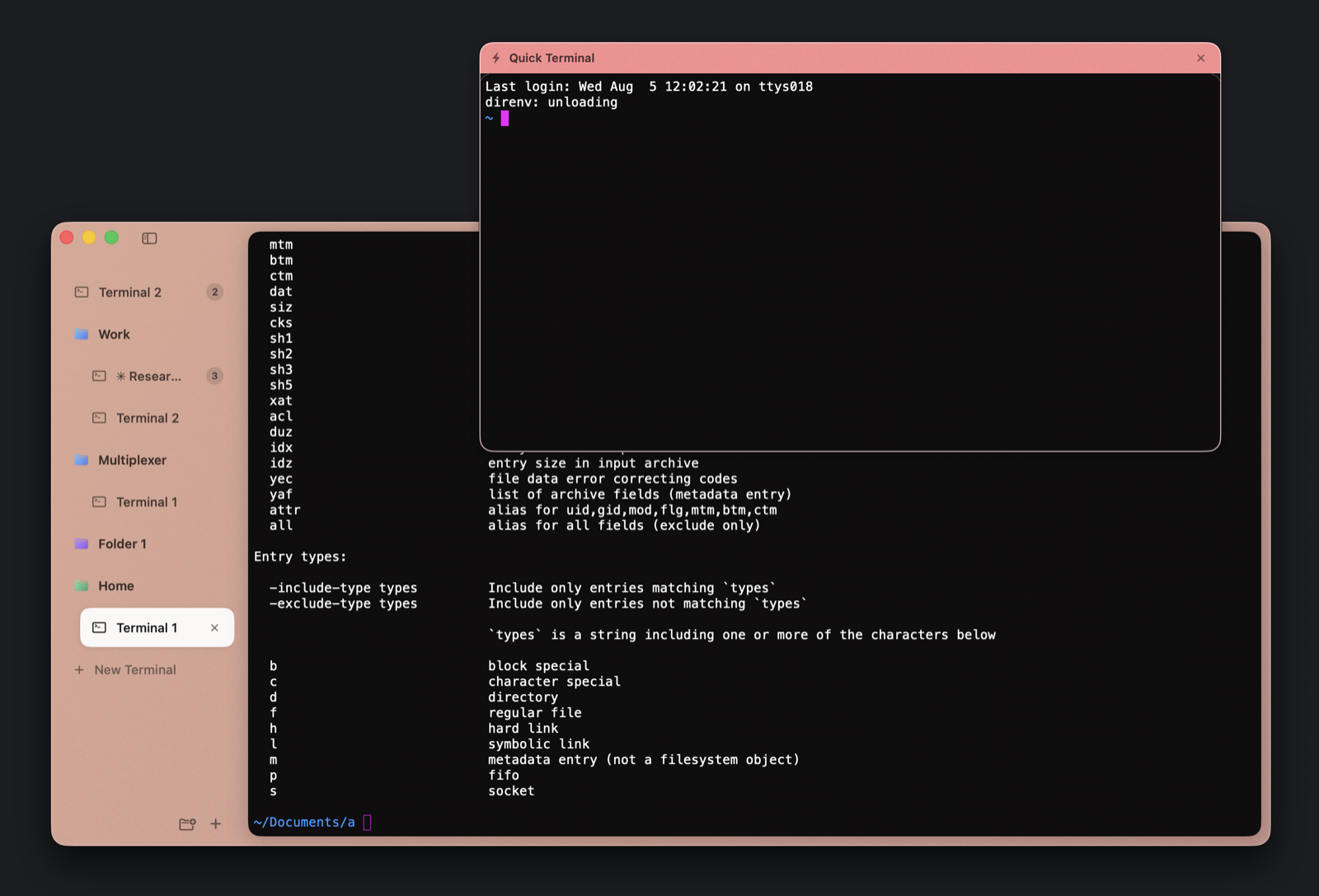
See a tab before you switch to it
Hover any tab or pane in the sidebar and a live preview appears. Watch the build finish, check on the agent, confirm the prompt is back, all without leaving what you're doing.
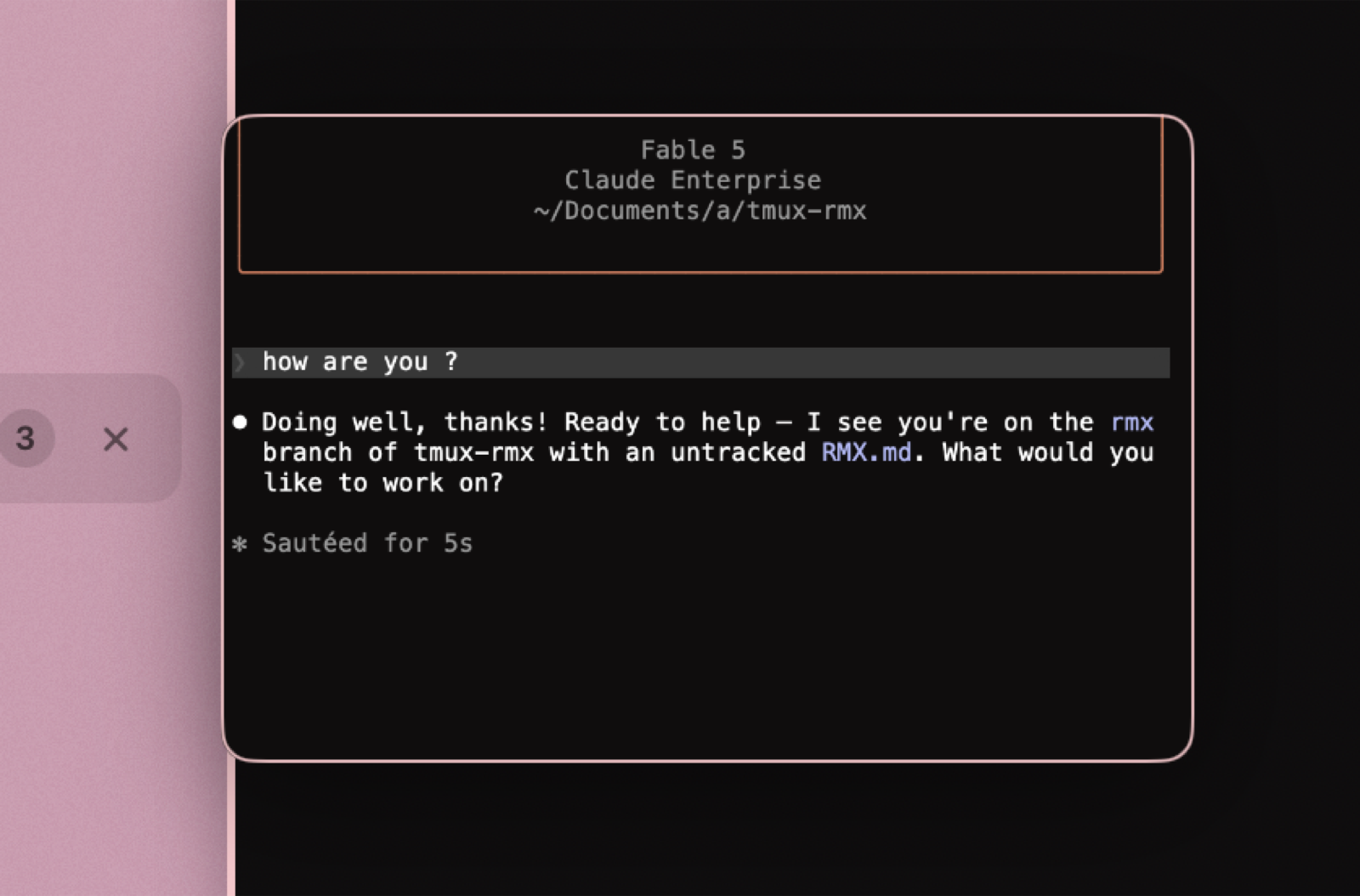
Splits that keep up with real work
Columns and rows, resizable by feel. Run your agent, your editor and htop side by side. Each pane keeps its own working directory and comes back after a restart, scrollback included.
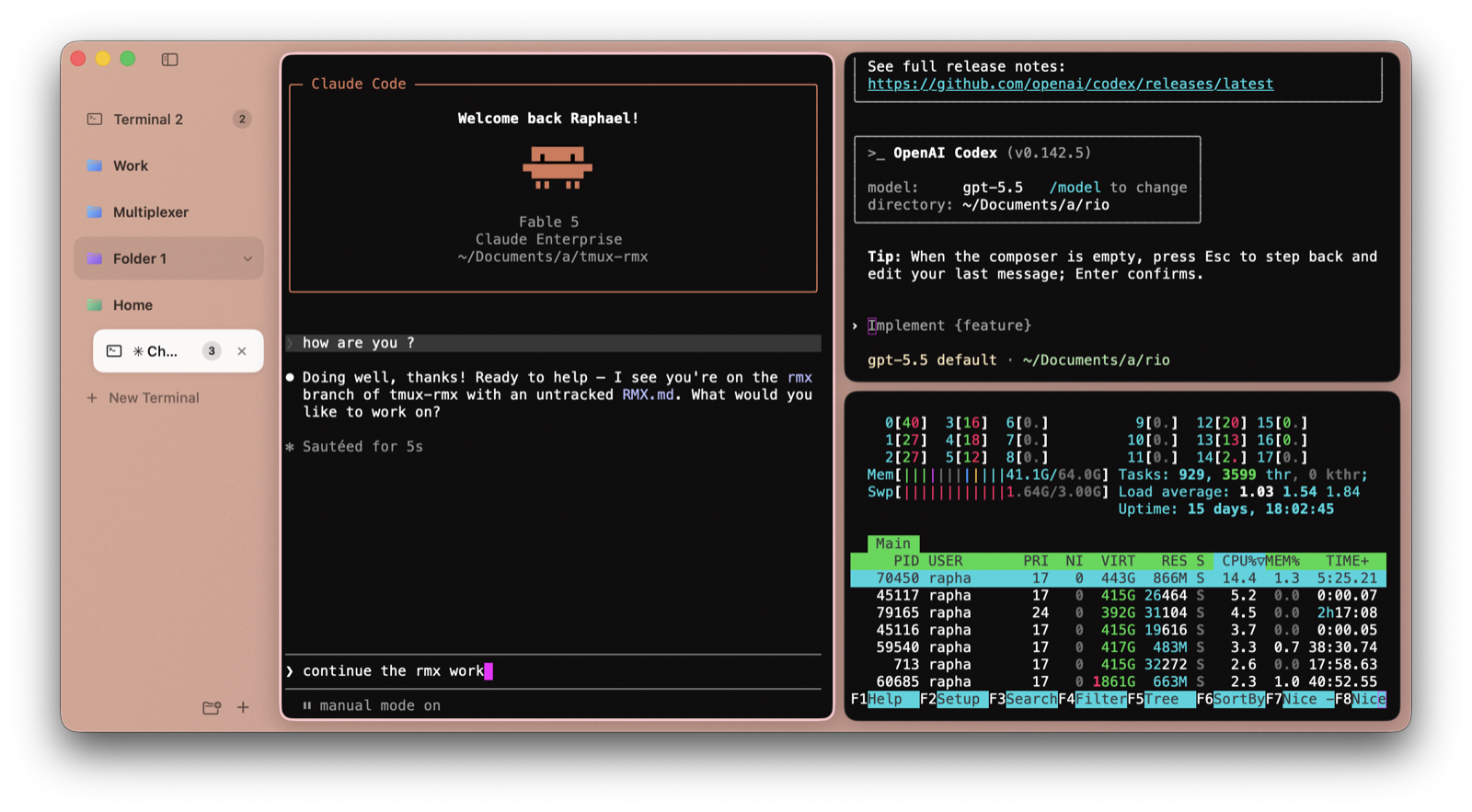
⌘K for everything
One input finds any terminal or pane by title, or runs a command: split, new tab, quick terminal, font size. Fuzzy-matched, keyboard first, tinted with your space's color.
Borrowed from browsers.
Built for the shell.
⌘1 Spaces
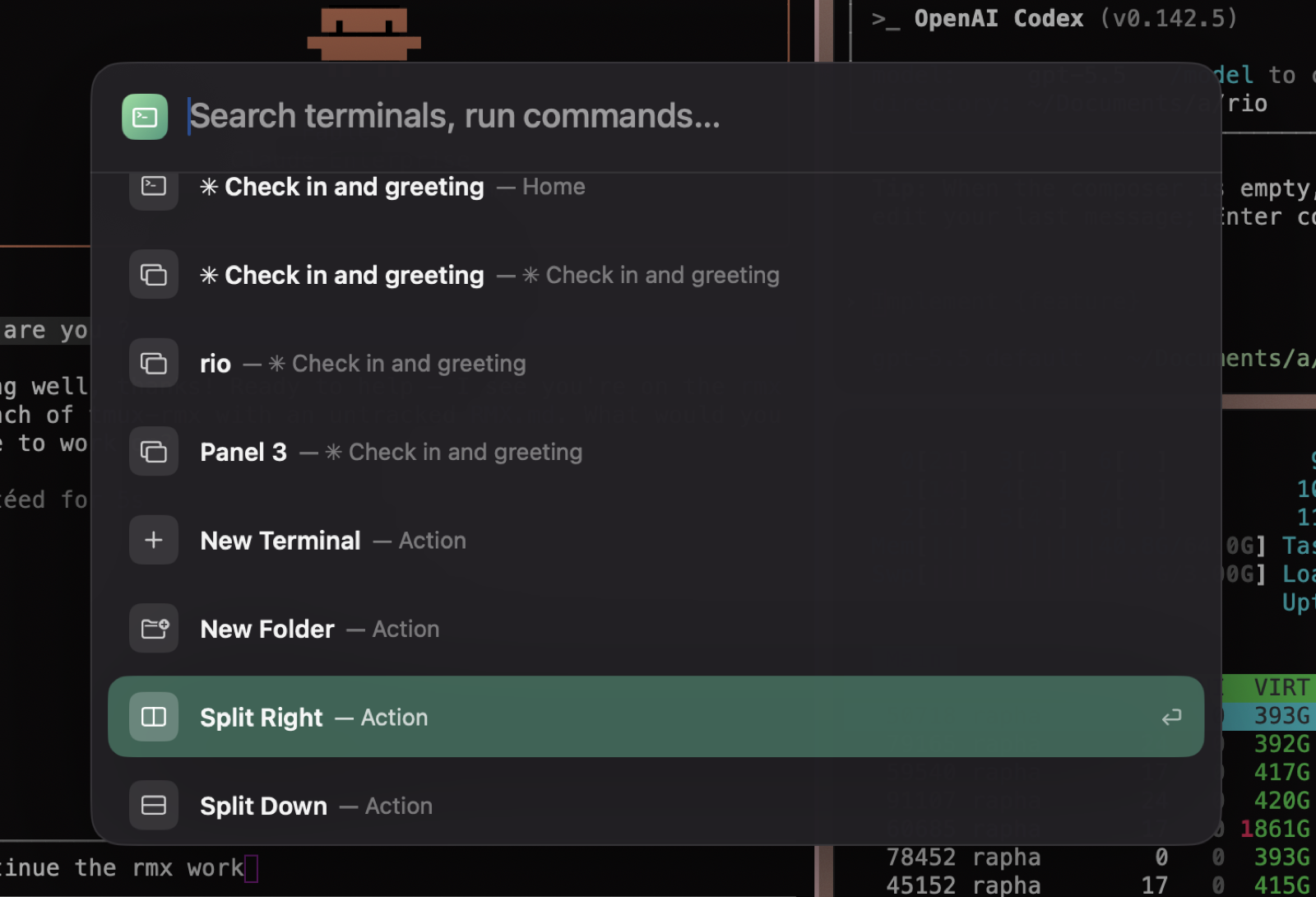
Group terminals into folders with their own color. Jump with ⌘1–9; the whole window tints to match where you are.
⚡︎ Quick terminal
A floating shell over everything, summoned with ⌥⌘T from any app. Run the thing, click away, gone.
↻ Session restore
Quit and relaunch into the same tree: folders, splits, scrollback, and every pane's working directory.
✈ Auto-filing
Route new terminals into the right space by their working directory. Air traffic control for your shells.
🎨 Rio's colors
Rendering and palette come from Rio's terminal core: the same VT handling, the same look, theme files on the roadmap.
✓ Calm chrome
Collapsible sidebar with an Arc-style peek, confirm-before-quit, and film grain on everything. A terminal you can live in.